Your Google Ads campaign is optimising perfectly. The problem is what it's optimising for.
How Much Are Dead Leads Costing You?
Every lead that doesn't pick up costs you real money. Here's exactly how much.
5 leads ghosted. S$1,000 burnt.
Your dashboard says S$200 per lead. You are actually paying S$300. The difference is fake leads reaching Google before anyone catches them.
Start Free TrialNumbers are estimates based on your inputs. Your actual results depend on campaign setup and lead volume.
Every fake lead that passes through your form gets recorded as a conversion. Smart Bidding studies it, learns from it, and goes looking for more people who behave exactly the same way. By the time you notice CPL climbing or lead quality dropping, the damage is already baked into your bidding model.
The tools most advertisers use were built to stop bots. Your conversion quality problem is caused by humans — and no bot filter catches a person sitting at a desk.
What Most Practitioners Try First
When lead quality degrades, the standard playbook looks like this:
- Add reCAPTCHA to the contact form
- Install a click fraud detection tool
- Build out IP exclusion lists
- Tighten audience targeting
- Switch to manual bidding temporarily
- Add a phone number verification field
All of these are reasonable. All of them solve part of the problem. None of them fix what's actually happening to your conversion signal.
Why None of These Fixes Close the Gap
Each fix targets a specific threat — usually automated traffic. The issue is that the worst conversion quality problems in Singapore Google Ads accounts don't come from bots.
reCAPTCHA on your contact form
reCAPTCHA stops scripts and crawlers. A competitor, a bored vendor, or a time-waster filling your form manually passes every reCAPTCHA check without friction. The checkbox was never designed to filter intent — only automation.
Click fraud detection tools
These tools are excellent at identifying non-human click patterns: inhuman speed, data centre IPs, repeated click sequences. A real person clicking from a Singtel residential connection in Tampines looks completely legitimate. The tool passes them through. Google records the visit.
IP exclusion lists
A VPN exit node costs nothing to change. If someone is deliberately submitting bad leads, they rotate IPs. You're blocking last week's address. The exclusion list is always one step behind.
Tightening audience targeting
Narrowing your audience reduces volume — it doesn't improve the quality of people who reach your form. You're paying more per click for the same conversion noise.
| What Google Analytics shows | What's actually happening |
|---|---|
| Natural scroll depth and time on page | A real person, deliberately filling time |
| Residential Singapore IP address | Could be a VPN exit node — indistinguishable |
| Form submitted with valid email format | Fake domain, dead inbox, or a competitor's test |
| Conversion recorded in Google Ads | Smart Bidding marks this as a success to replicate |
The Gap Nobody in the Standard Playbook Solves
Here's where the protection ends — and where the real damage starts:
Bot click → BLOCKED by click fraud tool
Real human click → passes through → lands on your page
→ scrolls naturally, waits realistic time, fills form
→ NOTHING in the standard stack stops this
→ Google records a conversion
→ Smart Bidding learns: find more people like this
→ Your bidding model shifts toward the wrong audience
→ CPL rises. Lead quality drops. You blame the market.
The conversion event itself is the problem. Once it enters Google's system as a positive signal, every subsequent bid decision is slightly more wrong. Over two to four weeks of a learning cycle, that drift compounds. You're not just receiving bad leads — you're actively funding a campaign that has been trained to find them.
By the time your CPL starts rising, Smart Bidding has already spent two to three weeks learning from poisoned conversion data. You're not fixing a problem — you're inheriting its consequences.
What Actually Closes the Gap
The fix has to happen at the conversion signal level — before the event reaches Google's bidding algorithm. LeadsOff works by qualifying leads after form submission and suppressing or flagging bad conversions before they're counted in Smart Bidding's learning data. One clean conversion signal is worth more than a hundred filtered clicks. The algorithm learns correctly, or it doesn't learn at all.
Blocking bad clicks is noise reduction. Blocking bad conversions is signal protection. Smart Bidding doesn't care how many clicks you filtered — it cares what you told it to optimise for.
Signs This Is Already Happening in Your Account
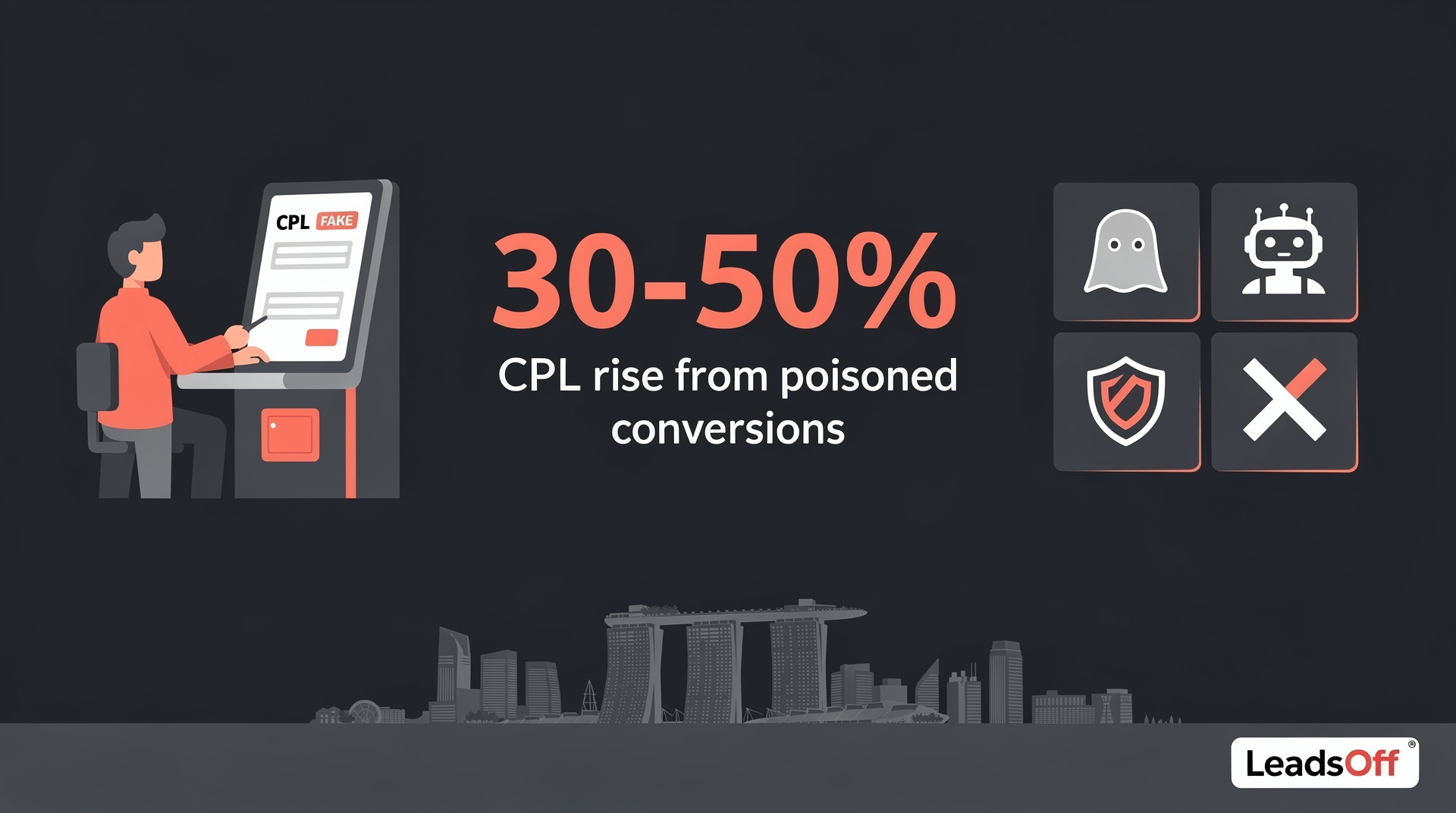
- Your CPL has risen 30–50% without a clear change in targeting or competition — When Smart Bidding has been learning from low-quality conversions for several weeks, it shifts bids toward cheaper, lower-intent traffic that behaves similarly to your bad leads. The algorithm is working correctly — it's just been taught the wrong lesson.
- Your sales team's answer rate on inbound leads is below 40% — In Singapore's property, education, and financial services sectors, a healthy answer or qualification rate on Google Ads leads should sit above 60%. If your team is reaching less than four in ten, the conversion volume in your account is not reflecting real buyer interest.
- Conversion volume looks healthy but pipeline value isn't growing — Platforms report platform performance, not business reality. If Google Ads shows consistent conversions but your CRM or invoicing shows no corresponding revenue growth, the conversions being counted are not the ones that matter.
- Performance drops sharply after a Smart Bidding learning phase completes — A learning phase that finishes on bad data doesn't stabilise your campaign — it locks in the wrong bidding behaviour. The drop you see after the learning phase ends is the algorithm executing what it was taught.
Why This Hits Singapore Advertisers Harder Than Most
Singapore's paid ads market has a structural problem that amplifies conversion poisoning: the audience is small and expensive. A mid-size Google Ads account spending S$8,000 to S$15,000 per month might generate 60 to 120 conversions in a month. Smart Bidding needs a statistically significant sample to learn from — and in a market this size, every conversion carries outsized weight.
In a US market with 500 conversions per month, five bad leads are noise. In Singapore with 80 conversions per month, five bad leads represent more than 6% of your entire learning dataset. That's enough to measurably shift bidding behaviour.
Specific industries where this is most damaging:
- Property: A single fake lead from a competitor or lead broker costs S$80–S$200 in ad spend and trains Smart Bidding toward low-intent browsers.
- Education: Course inquiry forms attract serial form-fillers who inflate conversion counts without ever enrolling.
- Finance and insurance: PDPA obligations mean you're legally responsible for every lead record you store — fake leads create compliance exposure, not just wasted spend.
- F&B and retail: Voucher and promotion pages attract coupon aggregators who convert but never purchase.
| Fix | Catches bots | Catches manual fake submissions | Protects Smart Bidding signal |
|---|---|---|---|
| Click fraud tools | ✓ | ✗ | ✗ |
| IP exclusion lists | ✓ | ✗ | ✗ |
| reCAPTCHA | ✓ | ✗ | ✗ |
| Phone verification field | ✗ | Partial | ✗ |
| Conversion-level filtering | ✗ | ✓ | ✓ |
The question worth asking isn't whether your click fraud tool is working. It's whether the conversions Google is counting right now reflect the customers you actually want to find.
Frequently Asked Questions
Why am I still getting fake leads even with reCAPTCHA installed?
reCAPTCHA is designed to block automated scripts and bots — it has no way to assess the intent of a real person manually filling out your form. Fake leads submitted by humans, competitors, or low-quality lead sources pass reCAPTCHA without any friction, and Google records them as legitimate conversions.
How do fake leads affect my Google Ads Smart Bidding performance?
Every fake lead that registers as a conversion becomes part of the dataset Smart Bidding uses to decide who to bid for next. Over a two-to-four week learning cycle, enough bad conversions will shift your bidding model toward the wrong audience profile — raising CPL and reducing lead quality even if your targeting settings haven't changed.
Is click fraud the same as fake leads in Google Ads?
No — click fraud involves invalid clicks that drain budget without reaching your form, while fake leads involve real people who click, visit your page, and submit your form deliberately. Click fraud tools catch the first problem but have no visibility into the second, which is why CPL can keep rising even after a click fraud blocker is installed.
How many fake leads does it take to damage Smart Bidding in Singapore?
In Singapore's small market, an account generating 60–100 conversions per month can have its bidding model measurably affected by as few as five to eight bad conversions — that's less than 10% of the dataset. US-scale thresholds don't apply here because the learning sample is so much smaller.
What should I do if my Google Ads leads look fine but sales pipeline isn't growing?
Compare your Google Ads conversion count directly against your CRM or invoicing records for the same period. If conversions are up but qualified pipeline value is flat, the conversions being counted don't represent real buyer intent — and Smart Bidding is learning from the wrong signal. Filtering at the conversion level, rather than the click level, is the fix.
Worried about spam leads corrupting your Google Ads data? LeadsOff catches fake conversions before they teach Smart Bidding the wrong thing. Start free at leadsoff.com — no credit card, setup in under 5 minutes.

The LeadsOff team builds spam-blocking infrastructure for Google Ads lead forms across Singapore. Our articles are drawn from live campaign data, client blocklist patterns, and direct analysis of how fake leads corrupt Smart Bidding. We publish when we have something real to say.
LeadsOff catches the fake leads Google can't. Setup in 30 minutes.
Get Started →